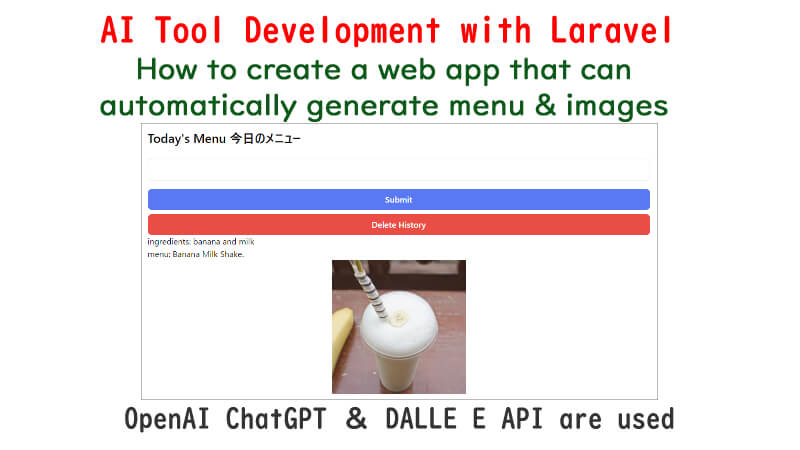
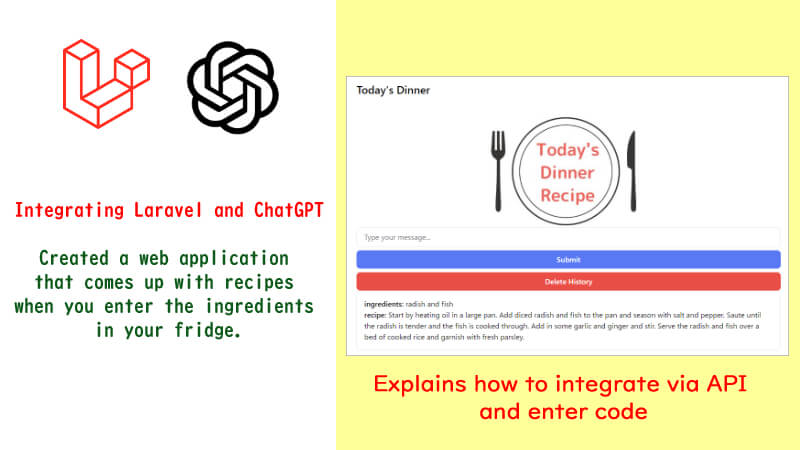
I developed a web app using Laravel with OpenAI’s ChatGPT and DALL·E 2 .
This is a web app that comes up with a menu when you put in the ingredients, and furthermore, creates an image that matches the menu.
Please see below for a sample video.

So let’s get started♪
API Setting
First, obtain an OpenAI API key and set it up in Laravel.
Also, install the necessary libraries.
For the procedure, see the following article’s “API key setup“.
Controller
Create a controller with the following command.
php artisan make:controller ImageControllerEn
Open app/Http/Controllers/ChatControllerEn.php.
The use declaration should include the following
【app/Http/Controllers/ChatContollerEn.php】
use OpenAI\Laravel\Facades\OpenAI;
First, create the image method.
    public function image(Request $request)
        {
            $inputText=$request->food;

            if($inputText!=null) {

                // to generateResponse method
                $responseText = $this->generateResponse($inputText);

                $messages = [
                    ['title' => 'ingredients', 'content' => $inputText],
                    ['title' => 'menu', 'content' => $responseText]
                ];

                // to generateImage method
                $image=$this->generateImage($responseText);

                return view('imageen', compact('messages', 'image'));
            }
        return view('imageen');
    }
If $request->food is not null, i.e., the processing is passed from the form, the code after if($inputText!=null) will be executed.
First, the process is passed to the generateResponse method. Here, we pass the value submitted from the form to ChatGPT and ask it to create a menu based on this value.
Next, the process is passed to the generateImage method. Here, DALL E receives the menu that ChatGPT has thought of and creates an image based on it.
In the generateResponse method, put the following.
   // Text
    public function generateResponse($inputText) {
        $result = OpenAI::completions()->create([
            'model' => 'text-davinci-003',
            'prompt' => 'Tell me one menu name with '.$inputText,
            'temperature' => 0.8,
            'max_tokens' => 30,
        ]);
        return $result['choices'][0]['text'];
    }
- Temperature is a parameter that controls for diversity. Higher values (e.g., 0.8) yield more random and diverse responses, while lower values (e.g., 0.2) yield more conservative responses.
- max_tokens is the maximum tokens. Since this is a menu name, I set it to a small number (up to 30).
To know how many tokens will be used, you can test on the openAI Playground page. In the lower right corner, you will see the number of tokens used in the exchange.
Put the generateImage method as follows
    // Image
    public function generateImage($responseText) {
        $response =  OpenAI::images()->create([
            'prompt' => $responseText,
            'n' => 1,
            'size' => '256x256',
            'response_format' => 'url',
        ]);
        return $response['data'][0]['url'];
    }
- size is the size of the image, which can be 512*512 or 1024*1024. However, the larger the image, the more expensive the API fee will be.
- response_format is the format of the image. In this case, I used ‘url’. I can also use b64_json. In this case, the data is converted by base64. Decoding is required for display.
Route Setting
Next, create a route configuration: open the routes/web.php file and add the following route
【routes/web.php】
use App\Http\Controllers\ImageControllerEn;

Route::get('/image/en', [ImageControllerEn::class, 'image'])->name('imageen.create');
Route::post('/image/en', [ImageControllerEn::class, 'image'])->name('imageen.post');
View
Finally, the view part: create an imageen.blade.php file in resources/views and add the following code
【resources/views/imageen.blade.php】
<!DOCTYPE html>
<html lang="ja">
<head>
    <title>Today's Menu</title>
    @vite(['resources/css/app.css', 'resources/js/app.js'])
    <meta name="viewport" content="width=device-width, initial-scale=1.0">
</head>
<body>
	<div class="mx-auto px-2 pt-8 pb-4 md:w-full lg:max-w-5xl xl:max-w-7xl">
        <div class="bg-white rounded-lg shadow-lg p-6">
            <h1 class="text-2xl font-bold mb-6">Today's Menu 今日のメニュー</h1>
			{{-- Form for Ingredients --}}
			<form action="{{route('imageen.post')}}" method="POST">
				@csrf
				<input name="food" type="text" class="w-full px-4 py-2 mb-2 border border-gray-200 rounded-lg">

				<button type="submit" class="w-full px-4 py-2 bg-blue-500 text-white font-semibold rounded-lg mt-2">
				Submit
				</button>
				<button id="clearChatButton" class="w-full px-4 py-2 bg-red-500 text-white font-semibold rounded-lg mt-2">
				Delete History
				</button>

			</form>

            {{--Menu --}}
            @isset($messages)
				@foreach($messages as $message)
					<div class="text-align">
					{{ $message['title'] }}: {{ $message['content'] }}
					</div>
				@endforeach
            @endisset

            {{--Image --}}
			@isset($image)
				<img src="{{ $image }}" class="mx-auto">
            @endisset
        </div>
    </div>
</body>
</html>
Visit the site and check out the images♪
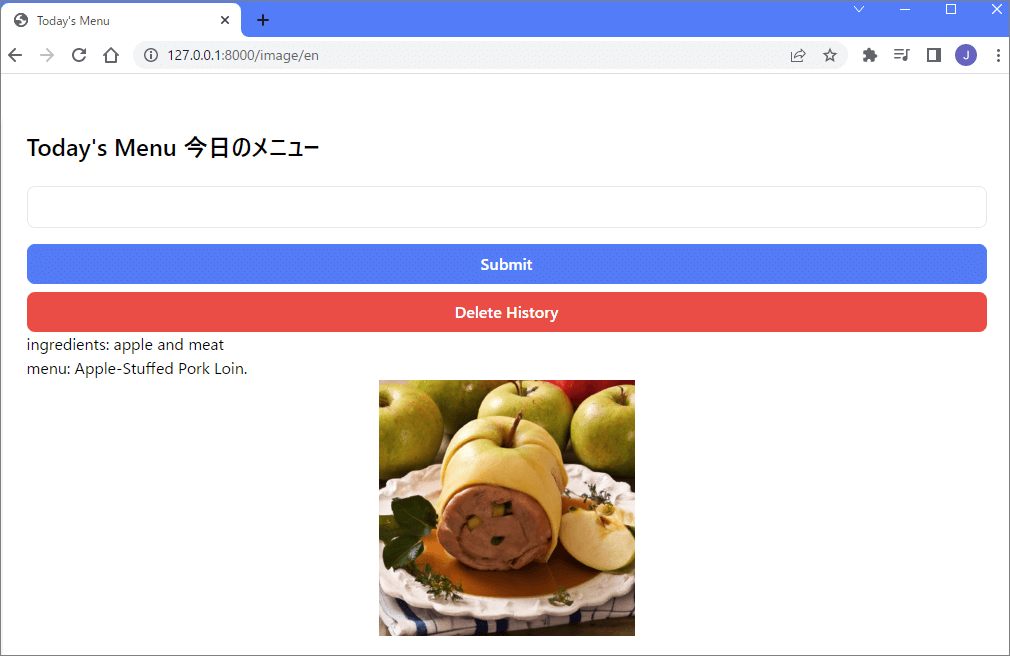

Sometimes strange images are generated like the above.
Try adjusting it by changing the value of $responseText.
API Usage Fee
The above is an example code using ChatGPT and DALL.E2 API.
For more information on API fees and notes, please refer to the following article, “Fees for Using ChatGPT’s API.
The DALLE E2 API I used this time costs $0.016 per image with a size of 256*256.

Frankly, I have the impression that this price is not convenient because it does not produce the image exactly as desired.
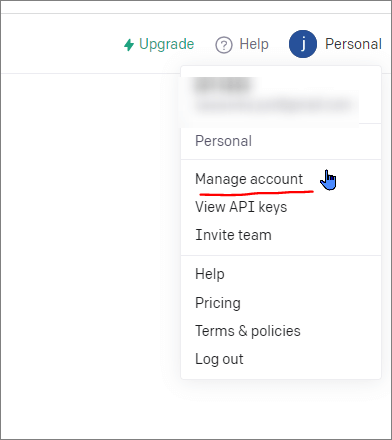
API usage fees can be found by clicking on your user name in the upper right corner and selecting [Manage account] after logging in.
Finally
In this article, I explained how to create a web app using OpenAI’s ChatGPT and DALL·E 2 with Laravel.
Using AI-based APIs will expand the range of web app development.
The official document of OpenAI company we referred to is here. Please refer to it when you want to arrange.
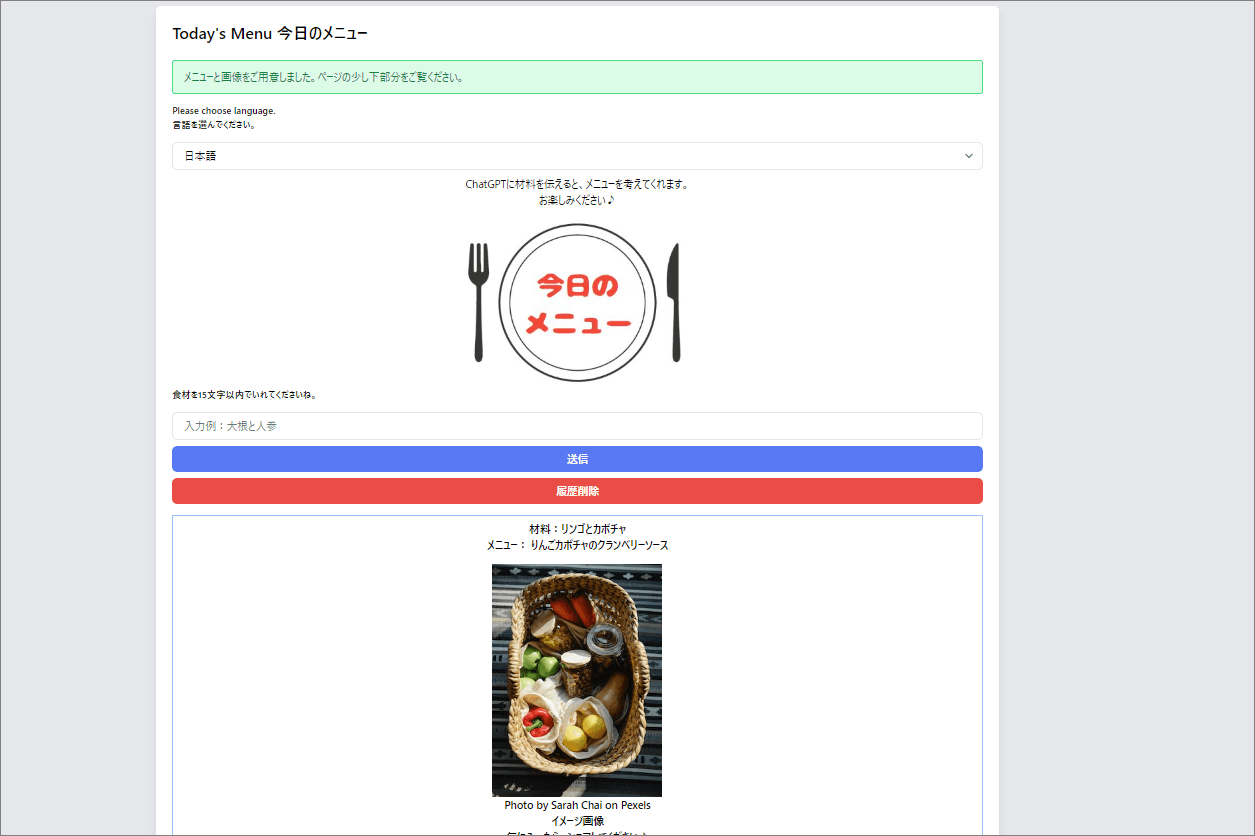
If you would like to see the actual web app, please click here.
The site is available in Japanese and English.
I hope you enjoy it.
Images are displayed using Pexels API, because at this time, the images on DALL·E2 are not great and the price was not affordable.
DALL E2’s images were not good and the price is not so affordable.
I hope to see more in the future.
コメント